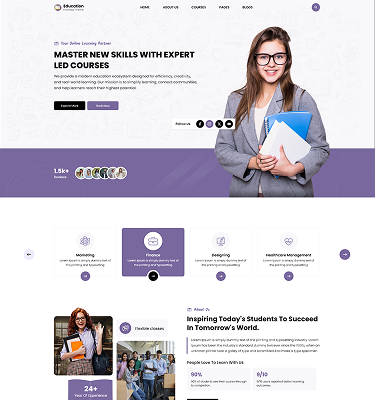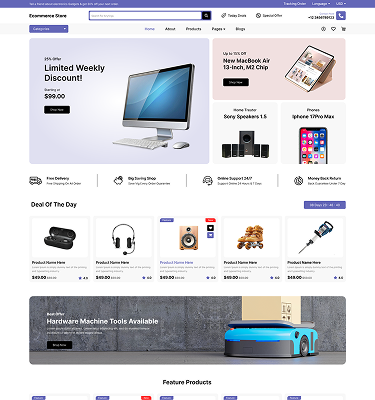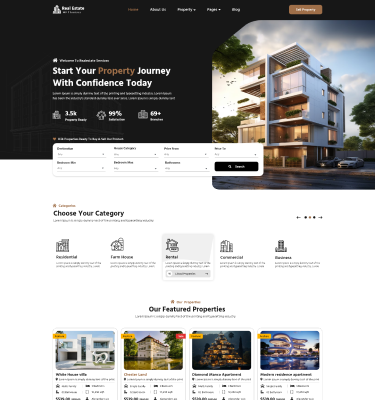
Building a website has never been easier than it is today. Whether you want to start a blog, launch a business site, or showcase your portfolio, WordPress gives you the flexibility and power to make it happen without needing advanced coding skills. In fact, many beginners choose WordPress because it offers user-friendly tools, endless customization options, and access to the Elementor WordPress Themes that make any website look professional right from the start.
If you are just starting out, this guide will walk you step-by-step through everything you need to know to successfully launch your first site. By the end, you will clearly understand how to plan, build, customize, and publish a fully functional website even if you have never created one before. This journey will help you confidently Create Your First WordPress Website with ease and clarity.
What Is WordPress?
WordPress is a powerful content management system (CMS) that allows users to build and manage websites without needing to write complex code. It powers more than 40% of all websites on the internet, making it one of the most trusted platforms worldwide.
When you Create Your First WordPress Website, you are essentially using a system that handles the technical side of web development so you can focus on content, design, and growth. WordPress comes with themes, plugins, and an intuitive dashboard that simplifies website creation.
WordPress.org vs. WordPress.com
Before you begin, it’s important to understand the difference between the two platforms:
- WordPress.org is self-hosted and gives you full control over your website.
- WordPress.com is hosted for you but comes with limitations unless you upgrade.
Most beginners who want flexibility choose WordPress.org because it allows complete customization and scalability.
Planning Your First WordPress Website
Every successful website starts with a solid plan. Before you jump into design or installation, take time to define your purpose and structure.
When you Create Your First WordPress Website, ask yourself:
- What is the goal of my website?
- Who is my target audience?
- What type of content will I publish?
Choose a Domain Name
Your domain name is your website’s identity on the internet. It should be:
- Short and memorable
- Easy to spell
- Relevant to your brand or topic
Select a Hosting Provider
Web hosting is where your website lives. Beginners should look for:
- Reliable uptime
- Fast loading speed
- One-click WordPress installation
- Good customer support
A strong foundation ensures your experience when you Create Your First WordPress Website is smooth and hassle-free.
Installing WordPress
Once your domain and hosting are ready, the next step is installation.
Most hosting providers offer a one-click install option, which is the easiest method for beginners. This allows you to set up WordPress in just a few minutes.
When you Create Your First WordPress Website, your hosting dashboard will guide you through:
- Selecting WordPress installation
- Connecting your domain
- Setting up login credentials
After installation, you can access your WordPress dashboard and begin building your site immediately.
Understanding the WordPress Dashboard
The WordPress dashboard is your control center. From here, you manage everything from posts to design settings.
When you Create Your First WordPress Website, getting familiar with this dashboard is essential.
Key sections include:
- Posts and Pages
- Media Library
- Appearance settings
- Plugins section
- Settings menu
Essential Settings
Before moving forward, configure:
- Site title and tagline
- Permalinks for SEO-friendly URLs
- Time zone and language settings
These small adjustments make your website more professional and easier to manage.
Choosing and Installing a WordPress Theme
A theme determines how your website looks and feels. It is one of the most important steps in design.
When you Create Your First WordPress Website, choosing the right theme helps you build a strong visual identity.
Free vs. Premium Themes
- Free themes are good for beginners but offer limited customization
- Premium themes provide advanced design options and better support.
You should choose based on your goals and long-term needs.
Installing a Theme
You can install themes directly from the WordPress repository or upload a premium theme manually. Always preview a theme before activating it to ensure it matches your brand.
Customizing Your Website Design
Once your theme is installed, it’s time to personalize your website.
When you Create Your First WordPress Website, customization allows you to stand out from competitors.
You can adjust:
- Colors and typography
- Header and footer layout
- Homepage sections
- Branding elements like logos
The WordPress Customizer gives you real-time previews so you can see changes instantly.
A well-designed homepage creates a strong first impression and encourages visitors to stay longer.
Creating Essential Website Pages
Every website needs core pages to function properly.
When you Create Your First WordPress Website, make sure you include:
- Home Page – Your main landing page
- About Page – Introduce yourself or your brand
- Services/Products Page – Highlight offerings
- Blog Page – Share content regularly
- Contact Page – Allow users to reach you
- Privacy Policy Page – Build trust and compliance
Each page plays a role in creating a complete and professional website experience.
Adding Content to Your Website
Content is the heart of any website. Without it, your site has no value.
When you Create Your First WordPress Website, focus on publishing helpful and engaging content.
WordPress allows you to:
- Create blog posts for updates and articles
- Build pages for static content
- Use the Gutenberg block editor for easy formatting
The block editor lets you add text, images, videos, buttons, and more without coding knowledge.
Installing Essential WordPress Plugins
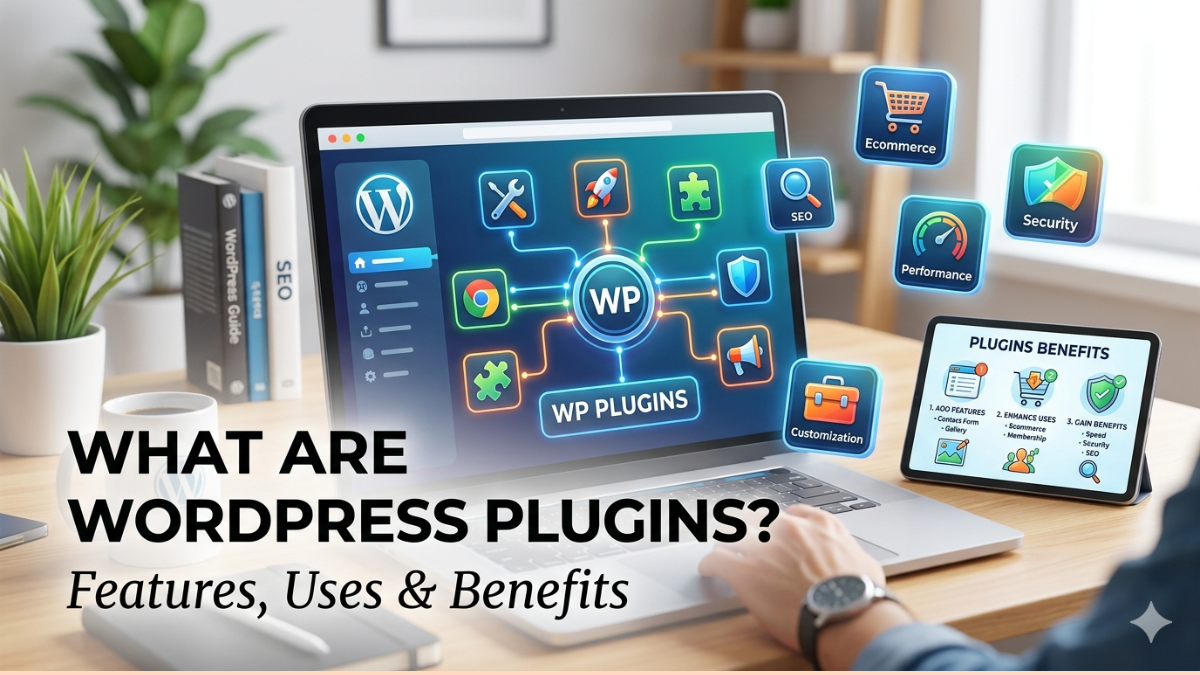
Plugins extend the functionality of your website.
When you Create Your First WordPress Website, plugins help you add powerful features easily.
Must-have plugins include:
- SEO plugin for search engine optimization
- Security plugin for protection
- Backup plugin for data safety
- Contact form plugin for communication
- Speed optimization plugin for performance
Using too many plugins can slow down your site, so choose wisely.
Optimizing Your Website for SEO
SEO (Search Engine Optimization) helps your website appear in search results.
When you Create Your First WordPress Website, SEO should be a priority from the beginning.
Key strategies include:
- Using SEO-friendly URLs
- Writing keyword-rich titles and descriptions
- Adding internal links between pages
- Optimizing images for faster loading
Good SEO ensures your website attracts organic traffic over time.
Securing Your WordPress Website
Security is essential for protecting your website and users.
When you Create Your First WordPress Website, you must take security seriously.
Important practices include:
- Using strong passwords
- Enabling two-factor authentication
- Installing security plugins
- Updating themes and plugins regularly
- Scheduling regular backups
These steps reduce the risk of hacking and data loss.
Launching Your WordPress Website
After building and testing your site, it’s time to go live.
When you Create Your First WordPress Website, the launch stage is exciting but requires final checks.
Before launching:
- Test your site on mobile and desktop
- Check all links and pages
- Ensure fast loading speed
- Review content for errors
Once everything is ready, publish your site and share it with the world.
Common Beginner Mistakes to Avoid
Many beginners make avoidable mistakes when starting out. Being aware of them helps you succeed faster.
When you Create Your First WordPress Website, avoid:
- Installing too many plugins
- Ignoring website backups
- Choosing poor-quality hosting
- Not optimizing images
- Skipping SEO basics
Learning from these mistakes ensures smoother website management.
Conclusion
Building a website may seem overwhelming at first, but WordPress makes it simple and accessible for everyone. With the right steps, tools, and guidance, anyone can successfully launch a professional-looking site without technical experience. When you Create Your First WordPress Website, you are not just building a webpage you are creating an online presence that can grow into a blog, business, or brand. With continuous learning, the right tools, and consistent effort, your website can evolve into something powerful and impactful. Take your time, explore different features, and don’t hesitate to experiment. The more you practice, the more confident you become in managing your digital space.